
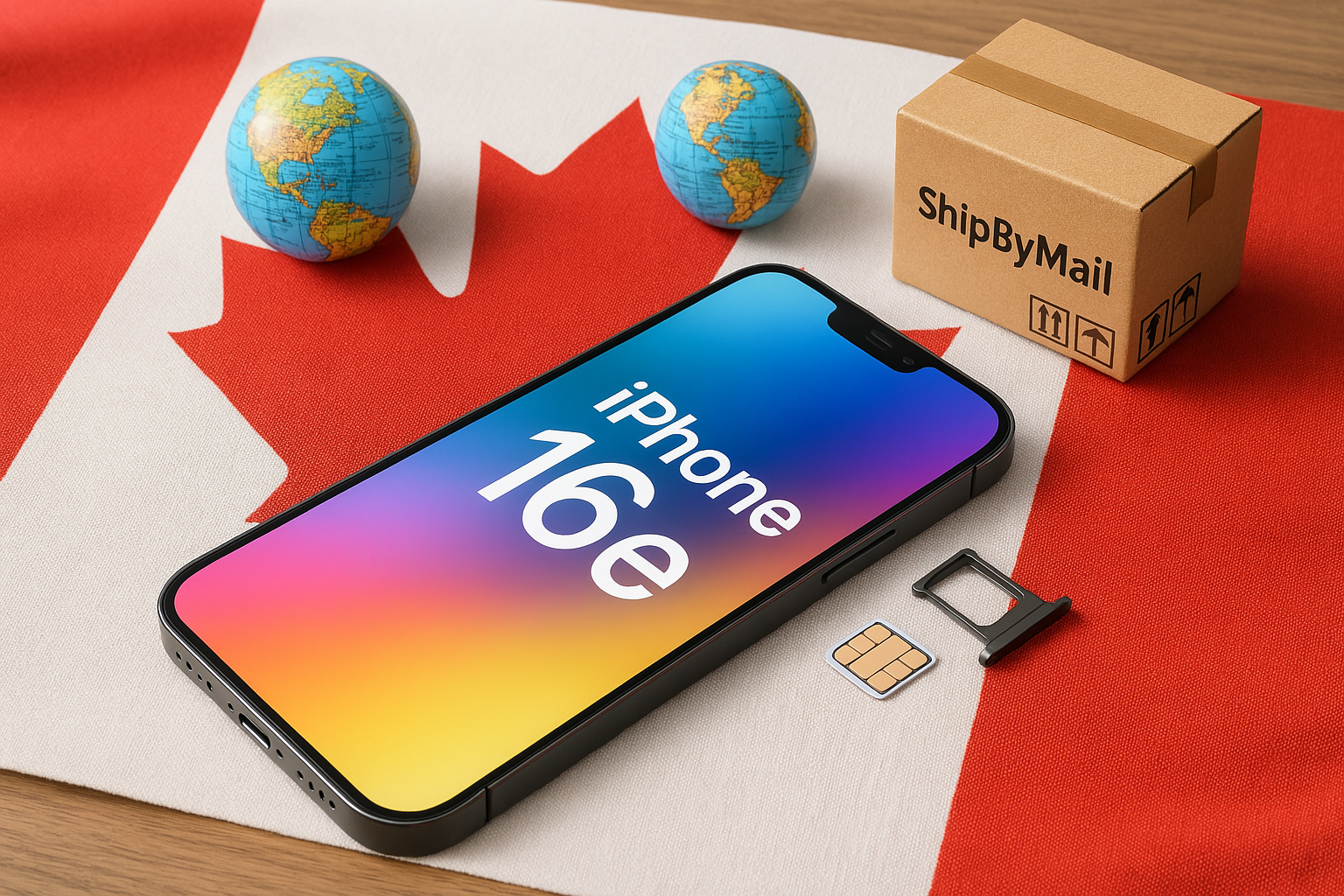
Apple’s iPhone 16e comes equipped with cutting-edge technology, but one feature that truly sets it apart (especially for international travelers) is its physical SIM tray. This tray allows you to easily swap SIM cards without being tied to one carrier’s eSIM solution. If you want a version of the iPhone 16e that includes this physical SIM tray, Apple Canada is a reliable option. Since Apple Canada doesn’t ship abroad, you can use ShipByMail to have your new phone forwarded to your doorstep anywhere in the world.
Below is a simplified guide, emphasizing the SIM tray and how to ensure you’re getting an iPhone 16e
that supports your needs.
Why Focus on the Physical SIM Tray?
- Global Carrier Flexibility: A physical SIM tray provides an easy way to pop in SIM cards from different carriers or countries, a huge advantage if you travel frequently or live outside Canada.
- Greater SIM Compatibility: Not all carriers offer robust eSIM support, and some prepaid or budget carriers still rely heavily on physical SIM cards. With a tray, you’re covered.
- Simple Troubleshooting: If you ever experience network connectivity issues, physically swapping a SIM card can be more straightforward than navigating eSIM settings or carrier unlocks.
Why Buy from Apple Canada?
- Physical SIM + eSIM Support: Apple Canada typically sells models that include both the
physical SIM tray and eSIM capabilities, providing maximum flexibility. - Unlocked Device: The iPhone 16e sold by Apple Canada (SIM-free) is generally unlocked,
so you can use it with virtually any carrier, both in Canada and internationally. - Warranty & Authenticity: Purchasing directly from Apple ensures a valid warranty and an authentic device.
Preparation Checklist
- Check Carrier Compatibility: Ensure that your local carrier supports the LTE/5G bands in the Canadian version of the iPhone 16e.
- Payment Method: Apple Canada accepts major credit cards, and possibly PayPal or gift cards. Verify ahead of time.
- ShipByMail Account: Sign up at ShipByMail to get your Canadian address for forwarding.
Note: Make sure to confirm that the model you’re purchasing explicitly includes a physical SIM tray.
Sometimes Apple lists multiple configurations; select the Unlocked or SIM-free variant known to have the tray.
Steps to Order the iPhone 16e with a Physical SIM Tray
- Visit Apple Canada:
Go to Apple Canada – iPhone 16e.
Look for the Unlocked or SIM-free model, and confirm that a physical SIM tray
is part of its design. - Choose Your Specs: Pick the storage size (e.g., 128GB, 256GB) and color. Double-check the model description to ensure physical SIM tray is noted (or not excluded).
- Add to Bag & Check Out: Click Add to Bag, then Check Out. Log in with your Apple ID or
create one if needed. - Enter ShipByMail Address: Under Shipping Address, use the Canadian address ShipByMail provides. This ensures Apple Canada ships your iPhone 16e to ShipByMail’s warehouse first.
- Payment & Confirmation: Provide a valid payment method. Once the order is processed, Apple will give you an estimated delivery date.
Using ShipByMail for International Shipping
ShipByMail is a parcel forwarding service that accepts your Apple
order at their Canadian warehouse, then ships it to your international address.
- Sign Up: Create an account at ShipByMail. You’ll get a personal suite number or unique identifier.
- Notify & Consolidate: When the iPhone 16e arrives, you’ll get a notification. If you’ve ordered accessories or other items, ShipByMail can consolidate them into one package, saving you shipping costs.
- Choose Shipping Method: Log in to your ShipByMail account, select the courier (e.g., FedEx, DHL, UPS), declare the package value, and pay any fees.
- Track & Receive: Once shipped, you can follow your package in transit. Your iPhone 16e
should arrive at your home in a matter of days or weeks, depending on the shipping method.
Tips for a Smooth Experience
- Carrier Plans & Activation: Before inserting your local SIM, be sure you have a compatible data plan.
Some carriers require specific APN settings for data. - Keep an Eye on Import Duties: Customs fees vary by country. Research these costs before placing your order to avoid surprises.
- Insure High-Value Packages: The iPhone 16e is an expensive purchase; consider insurance for peace of mind during international shipping.
Common Questions
- Does the iPhone 16e from Apple Canada definitely include a SIM tray?
Most Canadian iPhones still come with a physical SIM tray unless otherwise noted. Double-check Apple’s product page or contact support for confirmation. - Can I still use eSIM features if I have a physical SIM tray?
Yes. Many iPhone 16e models support both eSIM and a physical SIM tray. - What if Apple Canada won’t accept my international credit card?
You might try PayPal (if available), Apple Gift Cards, or a prepaid card with a Canadian billing address. - How long does shipping take with ShipByMail?
It varies depending on the chosen courier and destination. Express shipping can be as quick as a few days. - Does Apple’s warranty cover me globally?
Apple generally provides international warranty coverage, but you may need to return the phone to
Canada in certain cases.
Conclusion
For anyone seeking an iPhone 16e that retains the physical SIM tray offering easy SIM swaps and broader carrier compatibility Apple Canada is one of your best bets. And with ShipByMail, getting your hands on that device becomes straightforward, even if you live outside Canada. Simply set up your ShipByMail account, confirm you’re ordering the correct SIM-tray model, and enjoy an unlocked, travel-friendly iPhone that’s ready to roll in almost any country.
Happy shopping, and enjoy your new iPhone 16e!